
Social: Set up your Google Business Profile


Google Business Profile (formerly known as Google My Business) is an important fundamental to get right. It helps you attract more organic traffic. It's free and a key part of your digital footprint.
Your profile gives Google basic information about your MSP which helps you appear in local search and maps results. For searches such as "IT support TownName" Google almost always gives localised results using this information. That’s the easiest SEO (Search Engine Optimisation) you can get.
And seeing as Google still controls the lion's share of the world's search... let’s give it everything it wants.
Essential
- Google account (ideally separate to your personal Google account)
One off set up tasks
- Set up or claim your profile
- Add basic details
- Optimise your profile
- Ask your clients for Google reviews
1) Set up or claim your profile
Depending on the age of your business and whether Google already knows about it, you'll need to either claim your profile or set up a new one. Google has very easy instructions for this.
You'll need a Google account. Best practice is to set up a new free account that's just for the business, rather than use your personal Gmail. That way you can hand over the Google account when you sell the business. Set up a forwarder to send any Google emails to your regular email.
When Google asks you to enter your business name it will autocomplete if there's already a listing. If not, you can click Add your business to Google.
Be aware you may also need to verify your ownership, which can introduce a 7 working day delay into this process. Here's how Google will verify you.
2) Add basic details
Google will talk you through all the steps to set up your profile.
You must choose a primary category. We suggest IT support and services or in some areas that's Computer support.
You can also choose up to 9 secondary categories. Type in words such as 'computer' and 'technology' to see which suit you. You can change your categories in the future. At time of writing, 'Managed Service Provider' and 'MSP' are not available as categories. Tut tut, Google.
Add a physical address if you have an office that people can visit. If you don't, then Google will consider you a Service Area Business and pick your location based on the localities you select.
You can search for and select up to 20 geographical areas. Look for towns, cities, counties, or a specific postcode / ZIP code. Best practice is not to exceed more than 20 miles from your verified physical location.
If you want more than one location (perhaps you want to generate business from the next town), you may need to rent a virtual office to get verification. Google is OK with virtual offices, so long as it’s a proper office that you and customers can visit. It might be a good strategy to rent a virtual office just for a month to get verified.
Add your phone number and website.
3) Optimise your profile
Add your services. Google may have auto generated some for you. Remove these and scroll down to Custom services. List your services as things ordinary business owners and managers would search for, such as
- Tech support
- IT support
- IT consulting
- Computer repairs
- Computer viruses
- Managed services
- Computer security
- Microsoft 365
These can be changed in the future.
Add business hours.
Enable messaging, allowing people to message you through Google. Not many will, but you should still do it.
Add a business description, for example: 'XYZ IT helps dozens of businesses in TownName to grow faster and be more productive through great technology. If you hear your staff complaining about their computers, slow internet, or difficulties with data, we can help you quickly and efficiently.'
Add your logo. The recommended size is 720px x 720px as a JPG or PNG, no larger than 5MB. It will be displayed in search results.
Add a cover photo. This might be a picture of your team. The recommended size is 1024 x 575, on a 16:9 aspect ratio.
Add a video. If you have an intro video or a client testimonial/case study this would be perfect. In theory you could add an MSP Marketing Edge video, although that wouldn't be as strong as your own.
Add an opening date. This can just be the month and year you started the business. Sometimes Google shows how long you've been in business in search results, which is great for credibility.
Add attributes, which are small info snippets about your business. There are options for
- Accessibility, such as 'Wheelchair accessible'
- What are called crowd attributes such as 'LGBTQ+ friendly'
- Planning attributes such as 'Appointment required'
- Service options, such as 'Offers online appointments'
- Language assistance if you can converse in another language or sign language
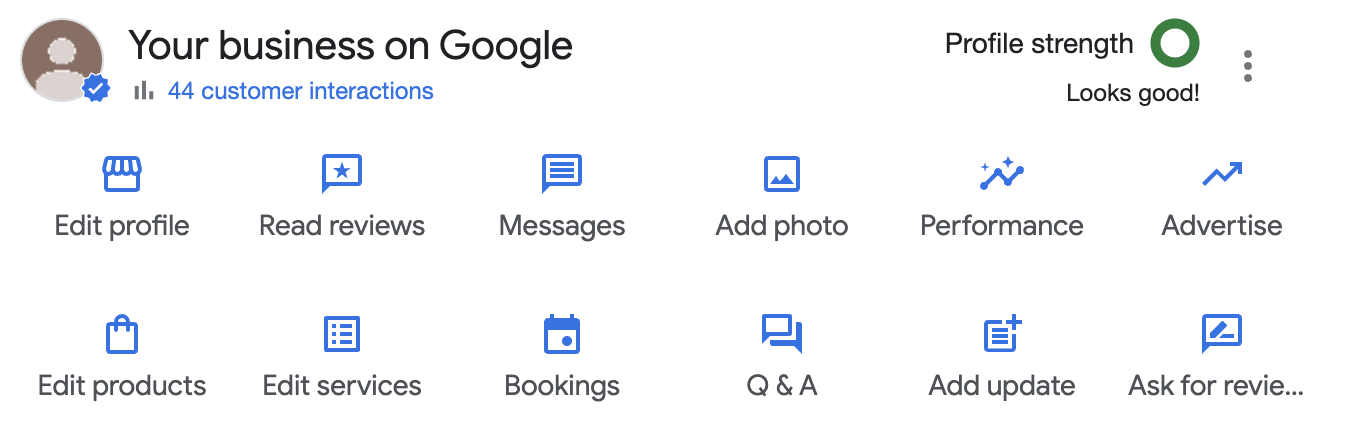
Now it's worth just examining your Google Business Profile and clicking on all the buttons to see what extra info you can submit. For example, you can now add other social profiles. The more info you can add to your profile the better.
4) Ask your clients for Google reviews
Here's an email you can send to your happy clients.
Consider adding something like Customer Thermometer to your PSA so you can automatically solicit reviews from happy users when you close a ticket.
Google will email you every time you get a new review. It's best practice to respond to each one to say thank you and how much you love working with their business.
I personally use a different search engine. Why bother to optimise for Google?
Because Google still controls a large majority of the world searches. It doesn't matter what search engine you use, you want to make sure you perform well in searches done by local business owners and managers. Here's a live stat showing how much search market share Google has.
Why do I need a separate Google account for the business?
Because one day you will sell it, or at least hand the reins to someone else. If your Google account is completely separate to your personal Google account, that's a very clean way to hand it over. Think of it as future proofing.
My SEO (search engine optimisation) company wants to control my Google Business Profile
That's fine. A good SEO company will know how to leverage the Google business profile as part of their overall search engine strategy. Best practice is to take a copy of all your information before you let them loose on your account.